

Wireless brake controllers are becoming much more popular amongst towers, given that they don’t require any custom wiring in your tow vehicle AND allow you to more easily switch between tow vehicles. But what’s it actually like using them—and how do they stack up against a hard wired brake controller?
My husband, Justin, and I have been full-time RVers for the last three years and have used the Curt Echo, one of the most popular wireless brake controllers on the market, for the majority of the time. Here’s the good, the bad, and the ugly of our experience with the Curt Echo Wireless Brake Controller and what kind of tower this option makes sense for.
This post may contain affiliate links. If you make a purchase through them, we may receive a small commission, for which we are extremely grateful, at no extra cost to you.

This article is sponsored by etrailer. All opinions are our own.
Wired versus Wireless Brake Controllers
Before we dive into the Curt Echo product, let’s back up and talk more generally about brake controllers.

Just as your tow vehicle has brakes, heavier trailers generally have brakes as well. In fact, most states require trailers over 3,000 pounds to have brakes, with a handful of states requiring that any trailer weighing over 1,500 pounds has them.
A brake controller is an electrical device in your tow vehicle that activates and regulates your trailer’s brakes. It sends an electrical signal to your trailer’s brakes when you push down on your vehicle’s brake pedal. This ensures that your trailer stops smoothly behind you when you depress your brake pedal and eliminates the need to brake harder while towing, resulting in safer driving and reduced wear on your vehicle’s brake pads.
There are a couple of different types of brake controllers.
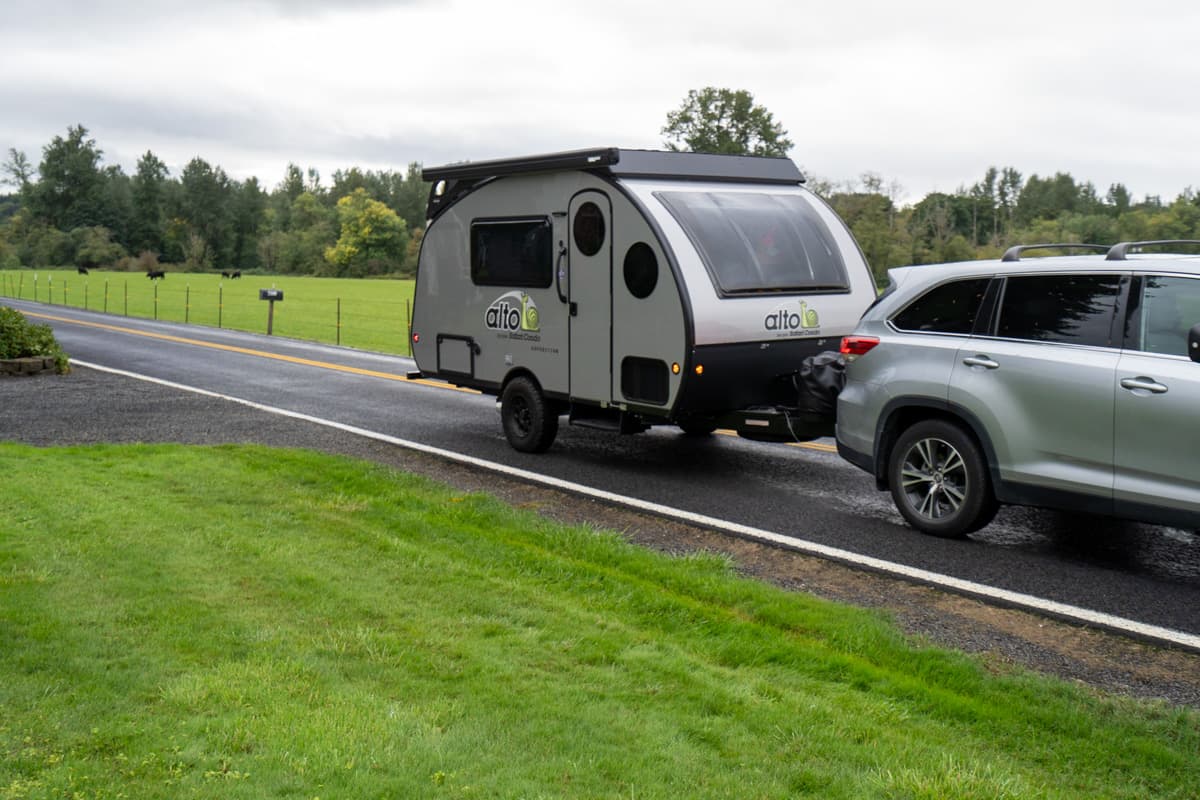
Wired brake controllers require a physical electrical connection between a control unit in your tow vehicle and your trailer’s wiring.
This requires installing a wired brake controller on your vehicle. This can be as easy as plugging in a vehicle-to-controller wiring adapter into a factory tow port, if you already have a tow package, or can be a bit more complicated if you don’t have a tow package, in many cases requiring running wires from your vehicle’s battery through the engine firewall, and then splicing them into your brake light system.
Once the brake controller is installed, there’s usually a physical knob or slider on your vehicle’s dashboard that you can use to manually apply your trailer’s brakes when additional trailer braking is needed (like if your trailer starts to sway).
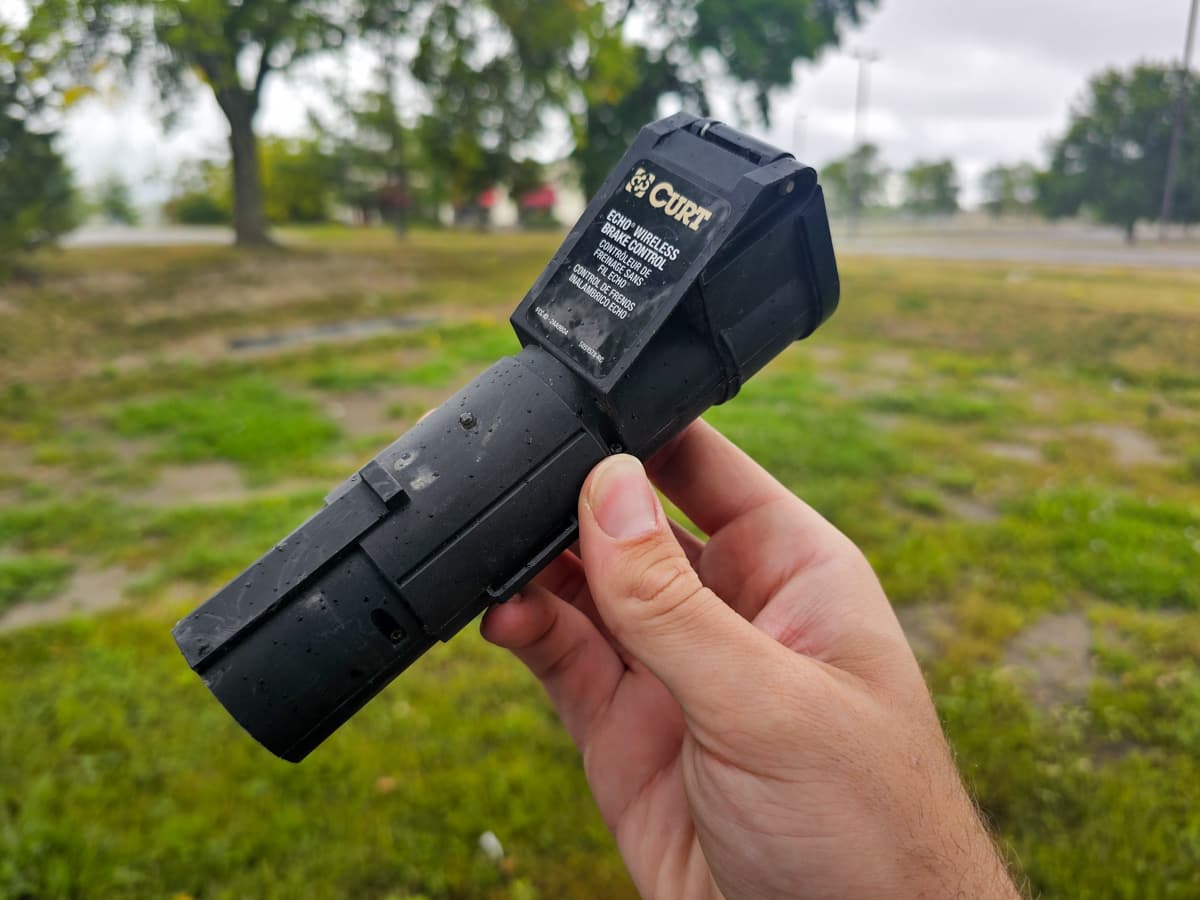
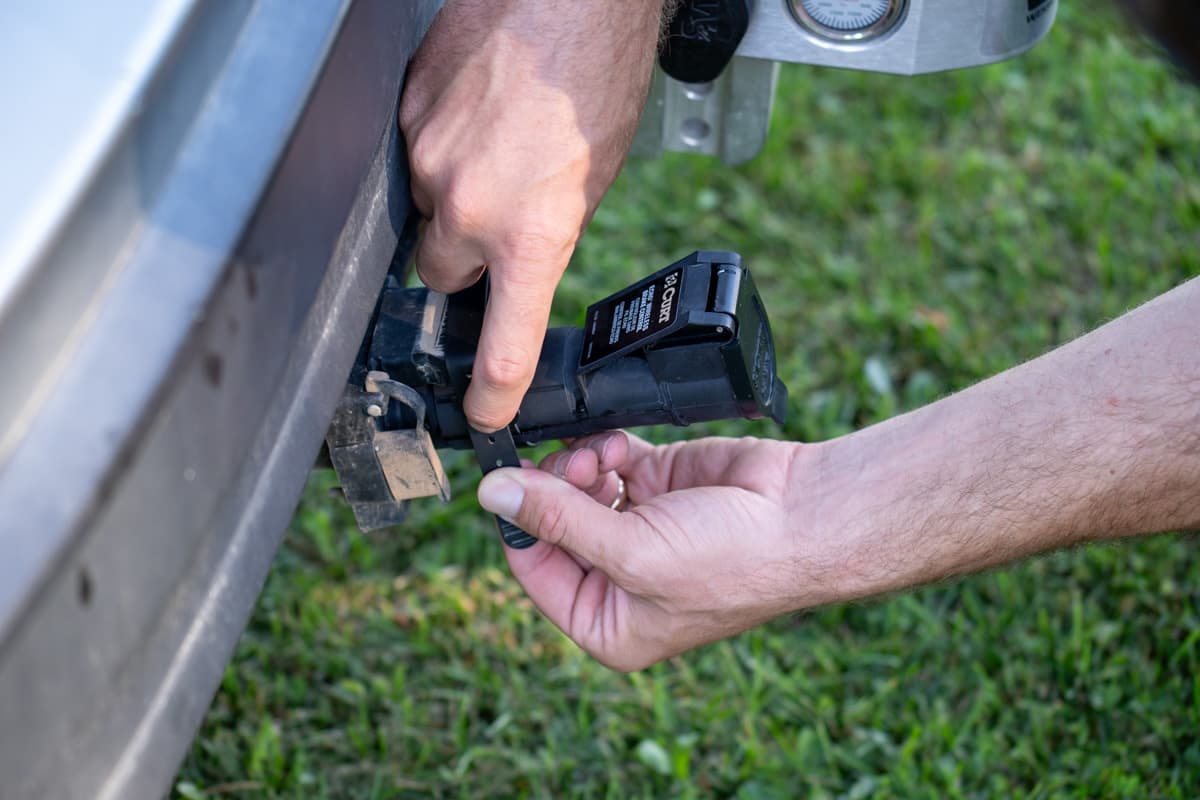
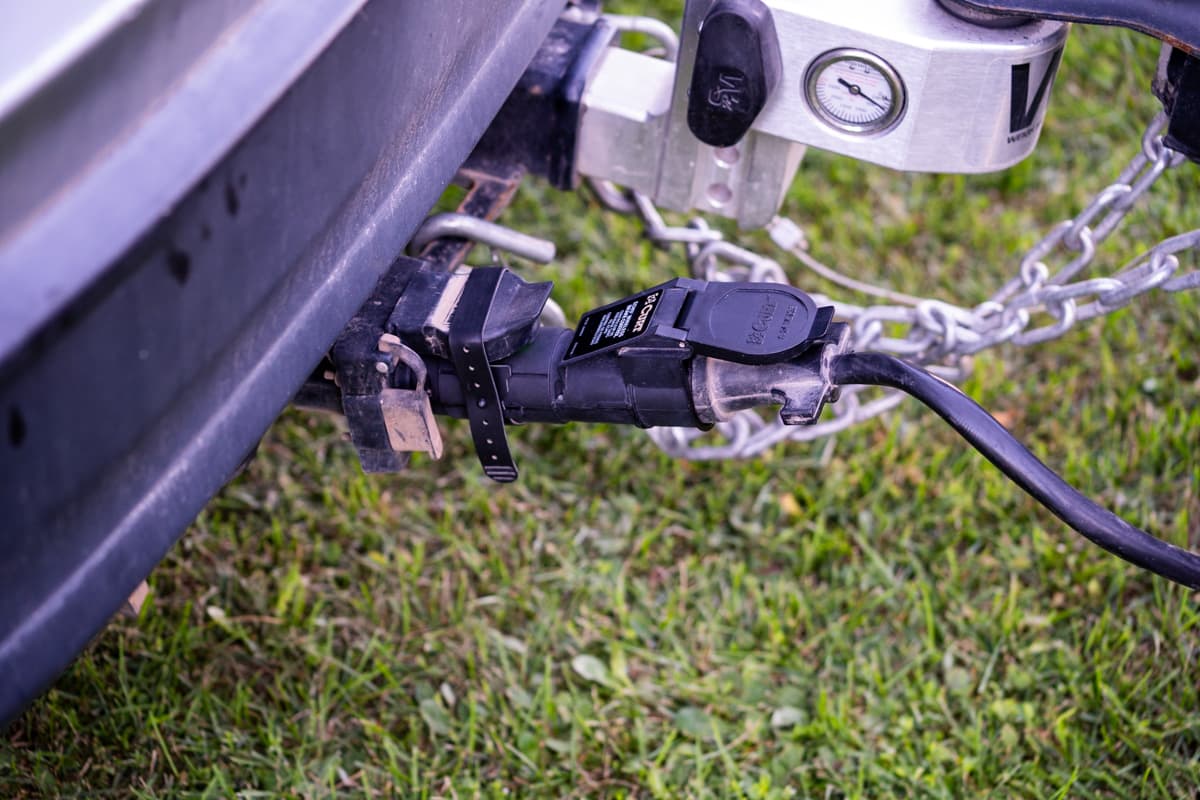
On the other hand, wireless brake controllers, like the Curt Echo, have an extremely easy set-up. You simply plug it into the seven-way trailer connector on the rear of your tow vehicle, pair it with an app on your phone using Bluetooth (i.e., radio signals), and boom—you’re done! To manually apply your trailer’s brakes, you typically use an app on your phone or a wireless remote.
Curt Echo Wireless Brake Controller
The Curt Echo is a wireless proportional brake controller, which means that it senses your vehicle’s deceleration and applies a proportional amount of braking power to your trailer’s wheels.
The benefit of a proportional brake controller, over a timed one (which applies a pre-set amount of power on a certain time delay based on when you depress the brake pedal, regardless of how fast or hard you stop) is that you won’t have to wait for your brakes to kick in if you need them in case of an emergency—they’ll just instantly be applied proportionate to how hard you’re pushing down on your vehicle’s brake pedal.
Note: The Curt Echo is intended to be used for one or two axle trailers.
To install it, you need to:
- Download the OneControl Auto app (for Android or iPhone)
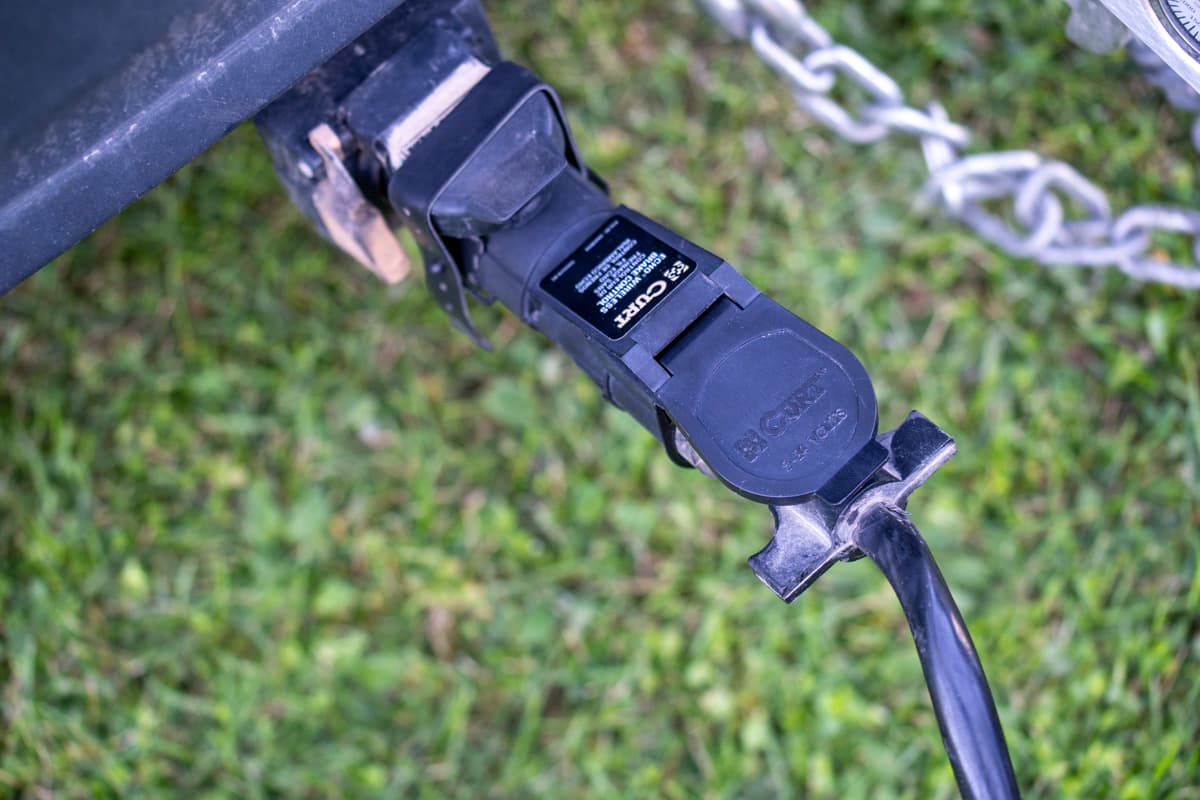
- Plug the brake controller into your vehicle’s seven pin connector
- Plug your trailer’s seven pin connector into the brake controller; and
- Once the controller is paired with the app on your phone, configure the maximum output and sensitivity with which you want your trailer’s brakes applied.
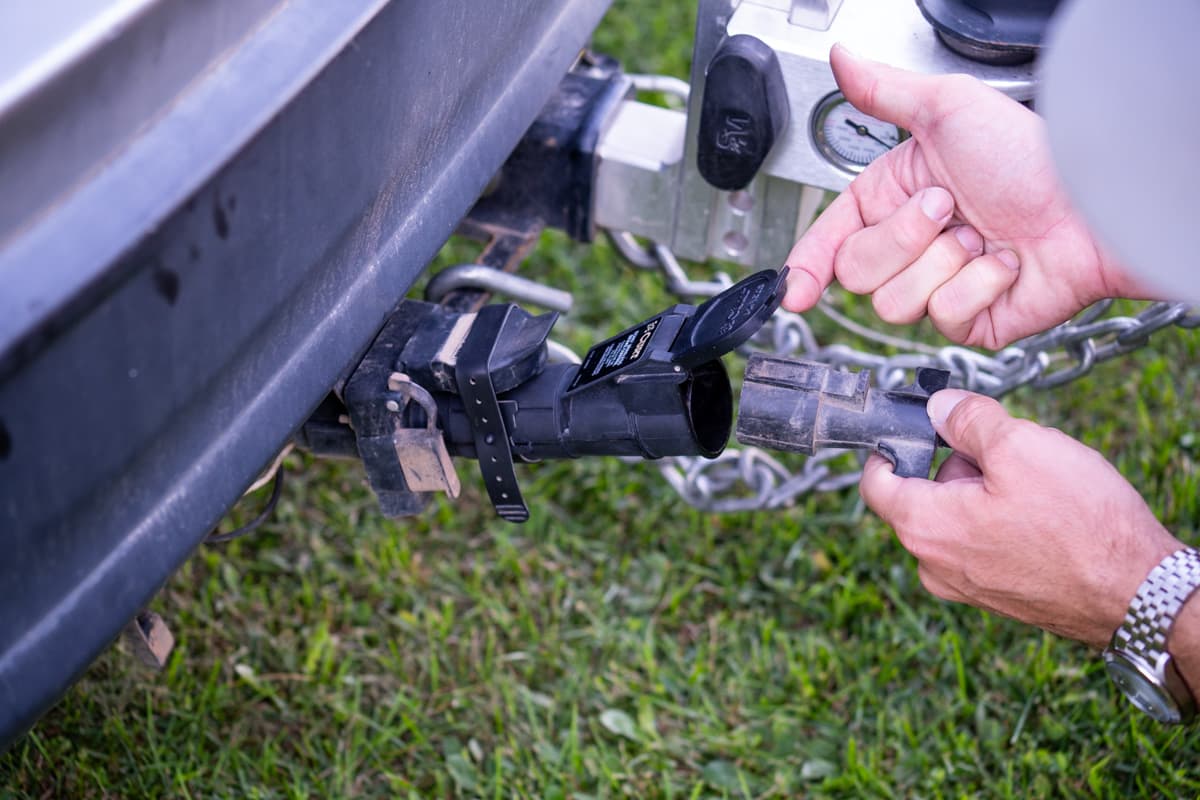
Pssst… from reading through some user reviews, it looks like some people have reported having issues pairing it with their phone. We love picking up our RV gear from etrailer, as they have an AMAZING customer support team that’s happy to help with these types of issues, from how to pair the Curt Echo to your phone to what kind of brake controller would work best for your particular towing setup.
The app allows an unlimited number of different profiles to be saved, in case you plan on towing a trailer with multiple different vehicles or, alternatively, have multiple trailers that you plan on towing.
Once you’ve configured your trailer’s braking profile as you like, the Echo brake controller will continue to function and apply the most recently programmed settings to your trailer’s brakes.
This is an important safety feature, because even if your brake controller accidentally becomes disconnected from your phone, it will continue to apply proportional braking to the trailer as you’re driving. After the Curt Echo is initially configured, using the mobile app is only required for adjusting configuration settings or manually applying additional brake pressure, if needed.
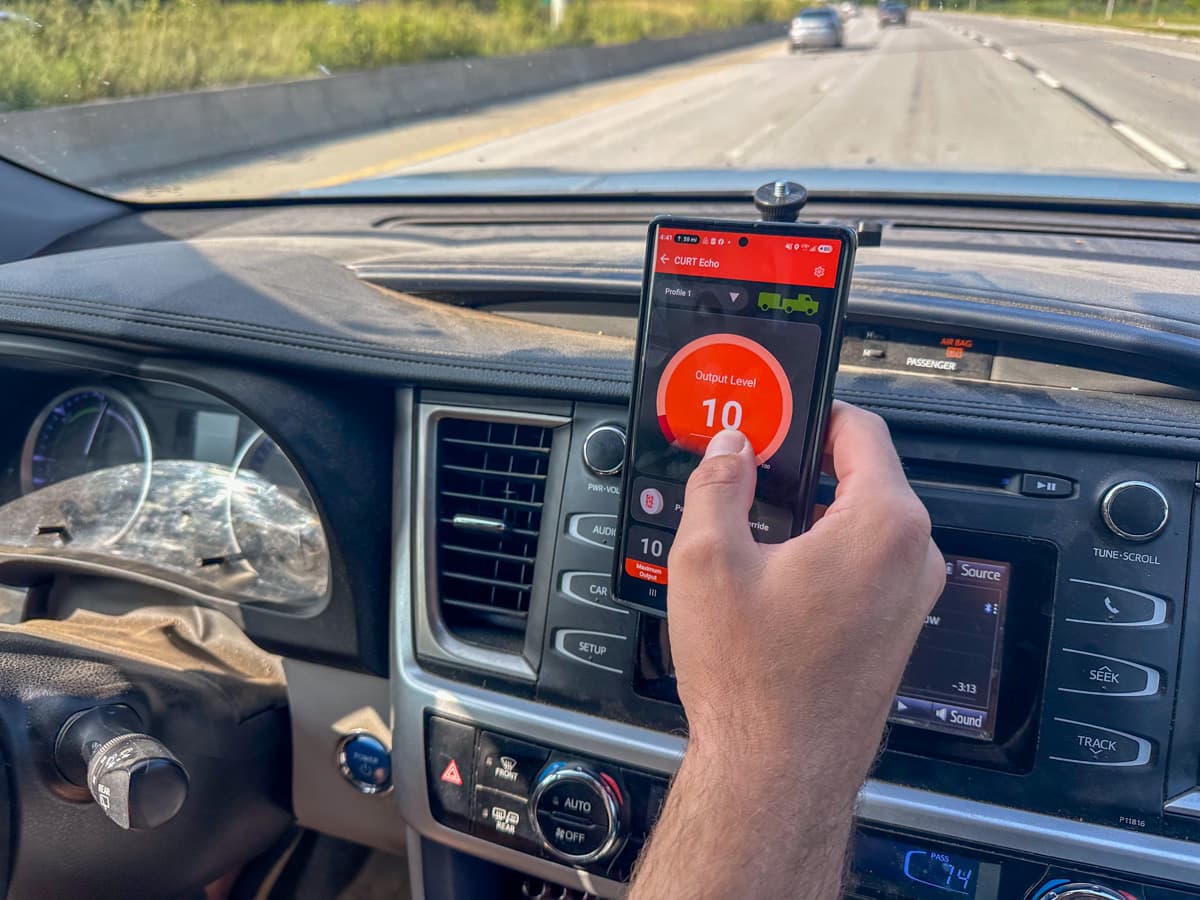
Through the app, you can adjust the maximum output and sensitivity to work for your particular towing setup, as well as apply the manual override (i.e., apply your trailer’s brakes without deploying the brakes on your vehicle).
There’s also other features you can access through the app, like a visual indicator of how much power is being applied to your trailer’s brakes and turning off your brakes from pulsating when your hazards are on.
It’s common for vehicles in North America to flash their brake lights when the hazard button is pressed. Considering wireless brake controllers generally sense braking by “intercepting” your tow vehicle’s brake signal, this can result in brake controllers (including the Curt Echo) mistakenly interpreting your active hazard lights as the driver manually foot braking, resulting in your brakes pulsing on and off. Obviously, this can be a huge issue if you’re driving with your hazard lights active.
To avoid this problem, Curt included a Hazard Light Setting in the OneControl Auto app that allows you to safely use your vehicle’s hazard lights and still tow your vehicle.
Please note that it’s important to read the instruction manual and understand all of the brake controller’s functions. We also strongly recommend consulting your vehicle manufacturer to confirm compatibility with your tow vehicle.
What we like about the Curt Echo Wireless Brake Controller
While the Curt Echo Wireless Brake Controller certainly isn’t perfect, there are lots of things that we love about it!
It’s easy to install
It doesn’t get much easier to install this brake controller. You literally just plug it into the seven pin connector on your tow vehicle, plug your trailer’s seven pin connector into the controller, and then pair it to your phone, using the app.
I am DEFINITELY not the most mechanically or technologically inclined person and I have easily set this brake controller up in a few minutes.
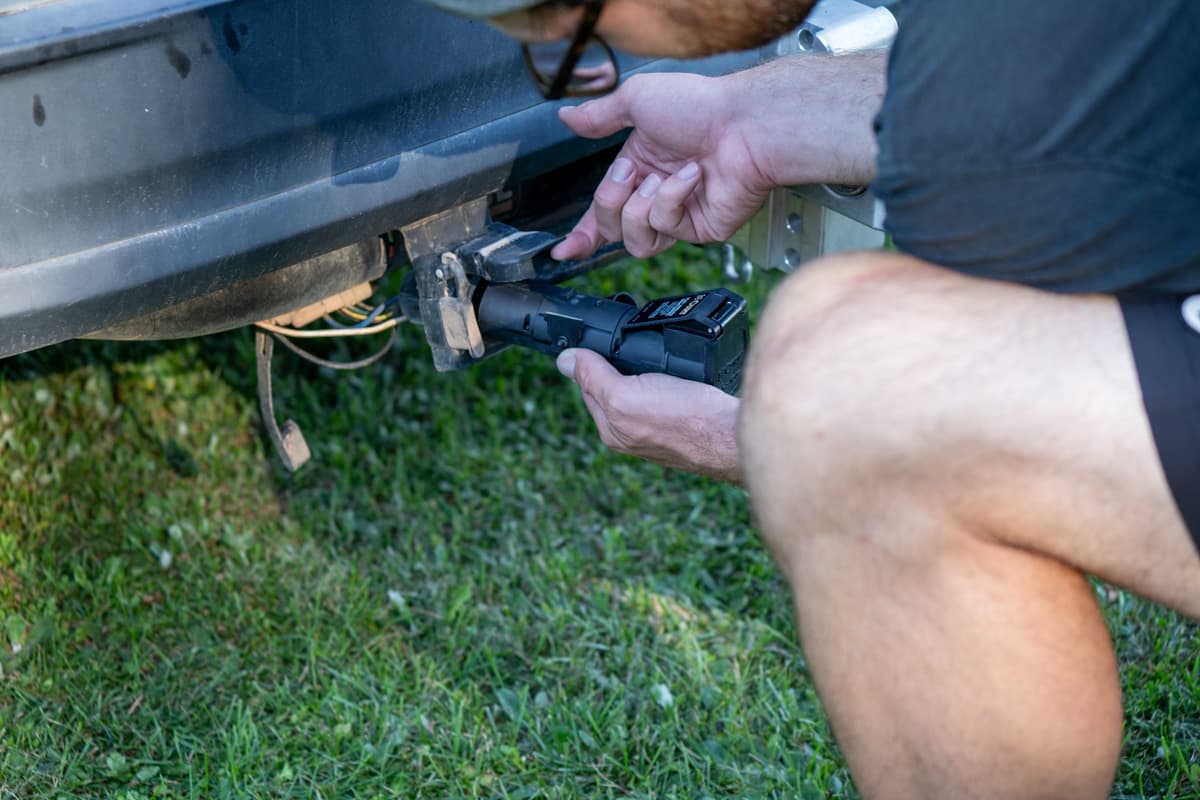
Plus, given the fact that you don’t need to change any of the wiring on your tow vehicle, the Curt Echo is an affordable solution to more traditional wired brake controllers, especially if you don’t have a tow package on your tow vehicle. This is one of the costs of buying a travel trailer that you might not plan for and that can really add up—getting a brake controller wired into your car can cost well over $500 in just labor!
This also makes it an appealing option if you can’t have a hard-wired brake controller installed on your vehicle, like if you’re leasing your vehicle or if your vehicle is incompatible with them, like most modern electric vehicles or some compact SUVs.
It’s easy to customize
It’s super easy to change the max output (also called gain, which is basically the power at which your brakes are applied) and the sensitivity (also called boost, which is the quickness and aggressiveness that the brakes are applied), using the app.
With the app open on your phone, you simply tap either the plus or minus buttons for either the max output or the gain to adjust your trailer’s braking, as needed.
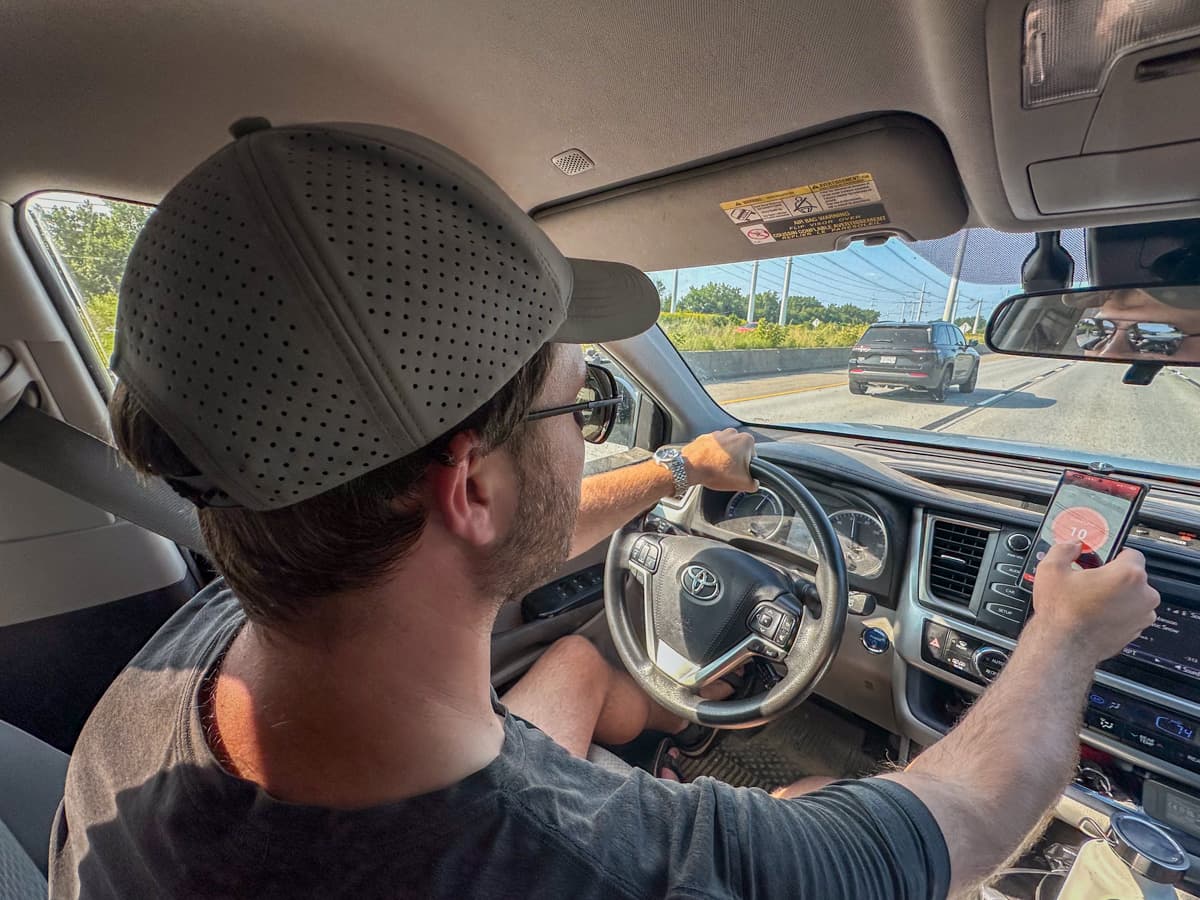
We’ve played around with a few other wired brake controllers, which typically have dials or buttons that are a bit more difficult to visualize, especially if you’re also actively driving and towing.
Insider tip: If you decide to go with a wireless brake controller, I’d strongly recommend having a cell phone mount, like this option or this option, on your dashboard, so you can quickly see the OneControl Auto app and have it at arm’s reach. We have a cell phone mount that attaches to our vent—it may be dangerous to not be able to quickly access the app!

It’s also a good idea to have your cell phone plugged in and charging while you’re towing, especially if you’re on a long haul drive. We have this car charger for our phones.
It’s easy to remove and store
We’re always taking various outdoor gear out of the trunk of our SUV and are constantly banging our shins on our brake controller and hitch. With the Curt Echo wireless brake controller, it’s super easy to unplug it from the seven pin connector and chuck it into our glove compartment whenever we’re not towing.
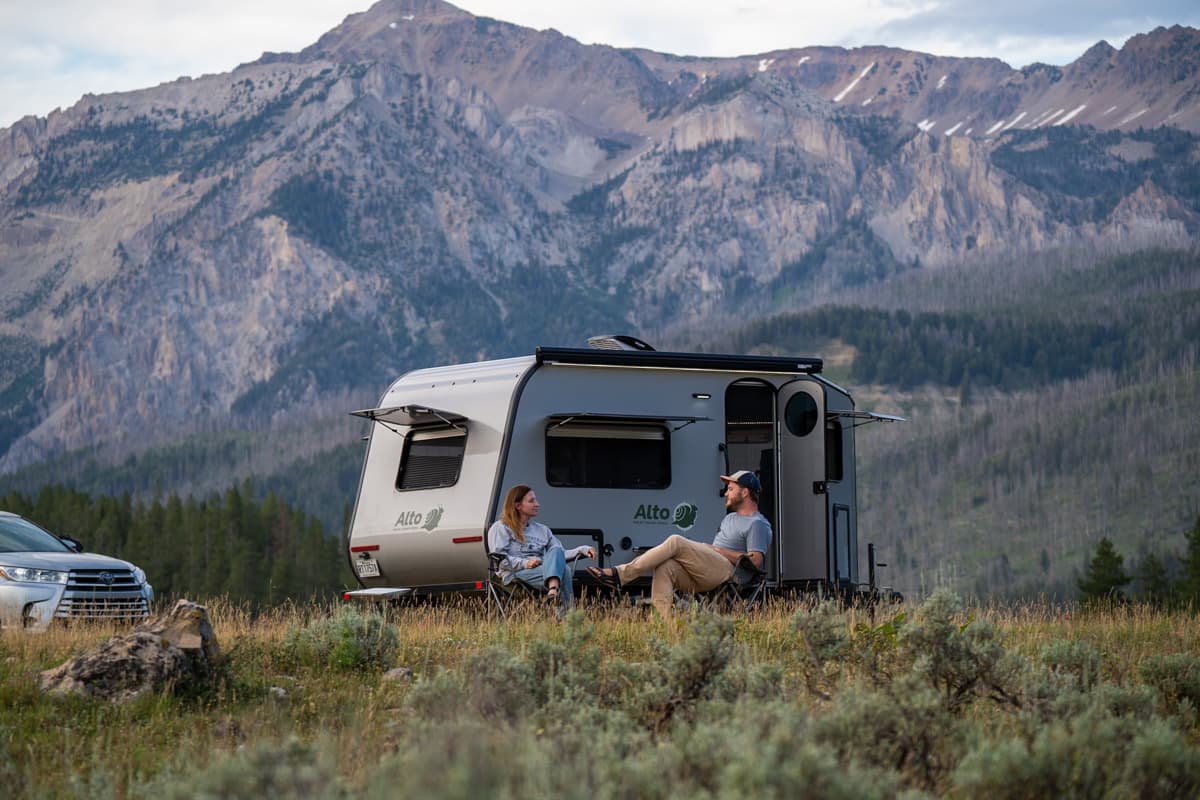
This is super convenient if you’re like us and drop your trailer at a campsite for a couple of weeks at a time and zip around exploring in your tow vehicle.
The ease of installing and removing it also makes this a versatile option for towers in lots of different scenarios.
For example, wireless brake controllers are a perfect solution for infrequent towers, like if you rent out trailers to customers who do not usually tow vehicles and, accordingly, will not have a wired brake controller in their vehicle.
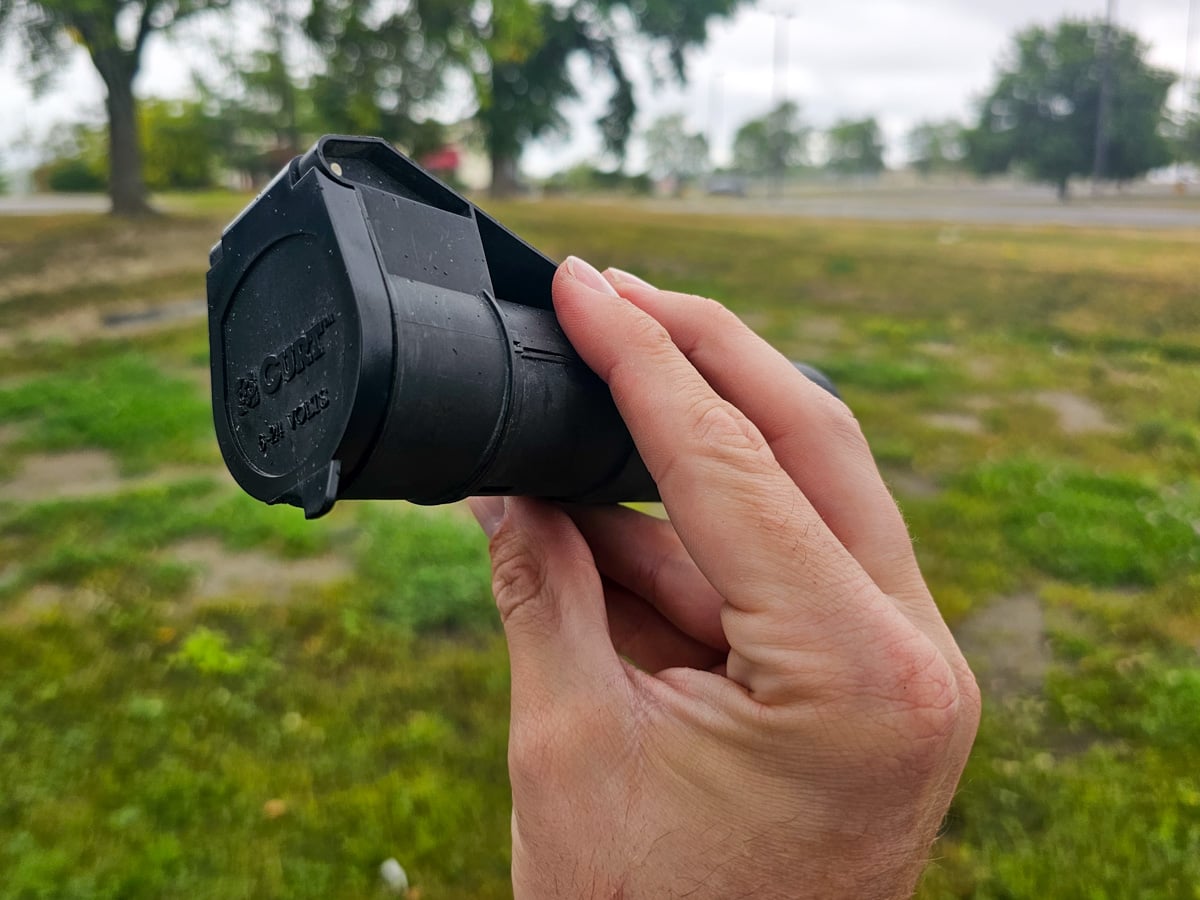
Or, if you’re someone who tows trailers with multiple different vehicles—instead of having a wired brake controller installed on each of your different tow vehicles, it’s super easy to just remove the Curt Echo and move them between vehicles, as needed.
The app makes it easy to use with different trailers
In a similar vein to the above benefit, it’s really cool that you can save different braking profiles on the app, if you tow multiple trailers with the same vehicle or even if you drive in environments that require different braking settings (for example, on a flat, paved road or a particularly rocky and steep one).
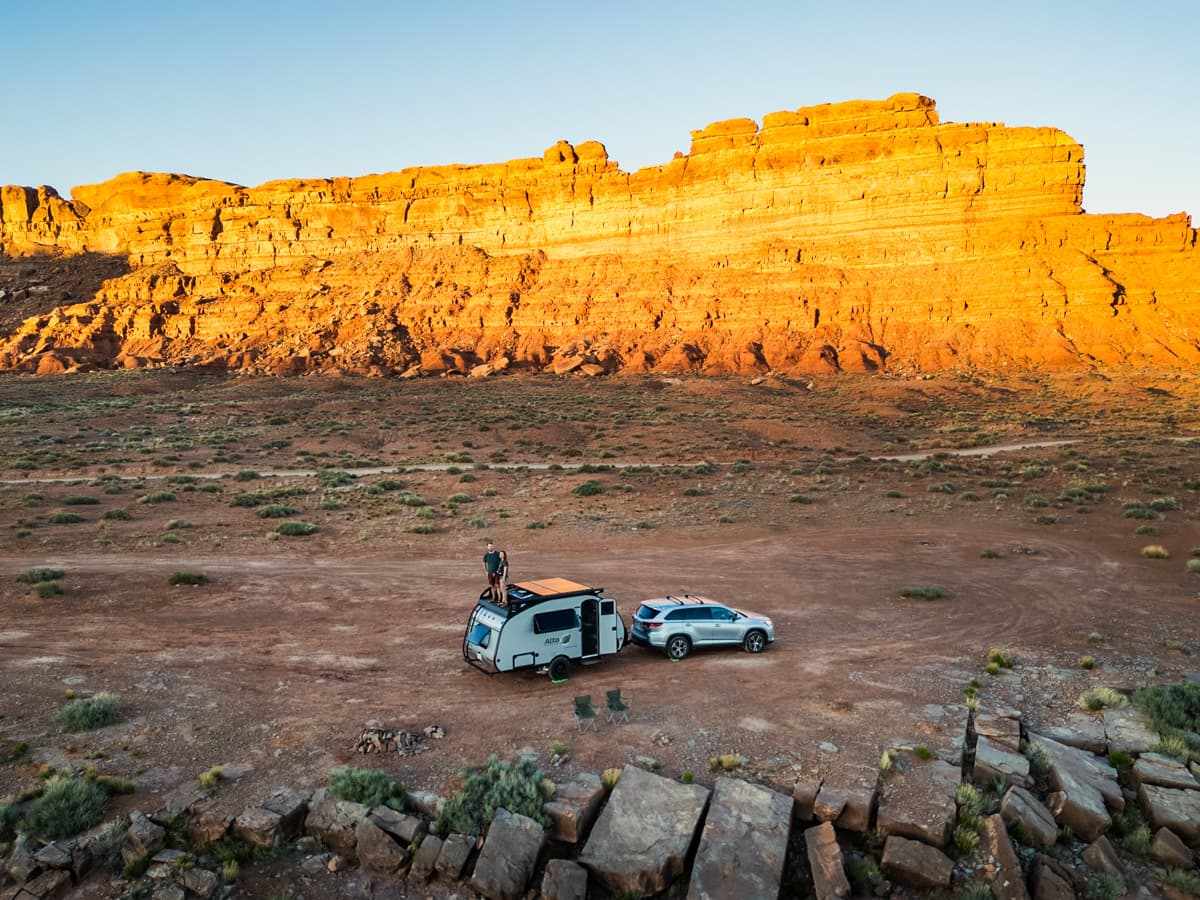
Many wired brake controllers have just one setting—the last one programmed into it. So, if you tow multiple trailers with one vehicle, you’ll have to recalibrate your brake settings every time you switch trailers. Not so, with the Curt Echo!
You can use the app to control other Curt safety features
We like streamlined solutions, as well as data, so I, of course, love that you can use the OneControl Auto app to monitor other Curt safety gear for your trailer.
For example, you can also integrate the Curt True Course, which is a sway controller that automatically applies your trailer’s brakes when dangerous sway is detected, and Curt Tire Linc, which is a TPMS that monitors the pressure and temperatures of your trailer’s tires, with the OneControl Auto app.
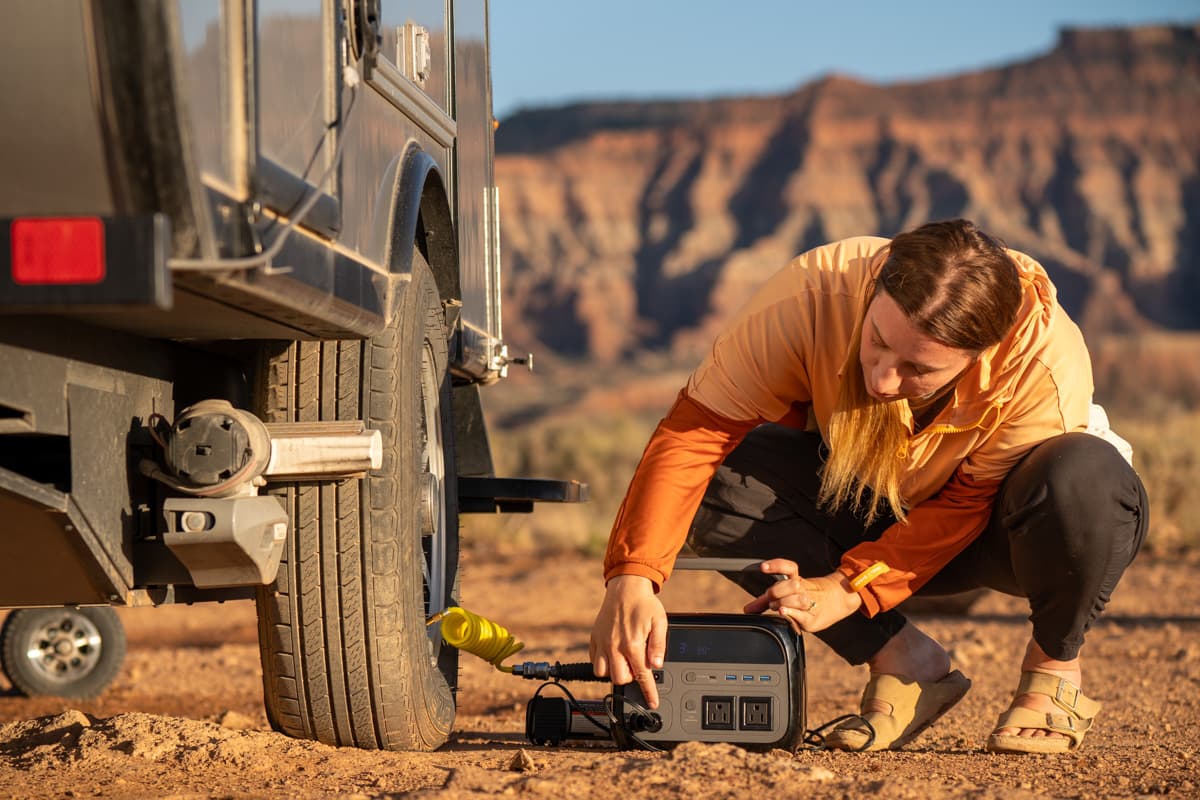
It’s definitely handy to be able to monitor what’s going on in your tow vehicle, on one centralized app, instead of having several different systems to manage and think about while you’re towing.
What we don’t like about the Curt Echo Wireless Brake Controller
As mentioned above, the Curt Echo Wireless Brake Controller has a handful of issues that we wish were addressed. Here are some things that can be better.
Using the app for manual braking isn’t our favorite
Wireless brake controllers still make up a teeny percent of the brake controller market. From perusing various Reddit threads, it seems like many people are deterred from using wireless brake controllers, due to safety concerns—what happens if your phone loses connectivity to the brake controller while you’re towing?
Generally, in my opinion, this isn’t that big of an issue. The Echo is designed to have Bluetooth connectivity up to 50 feet away and we’ve actually never experienced the app spontaneously losing connectivity to the controller. You also don’t need service to use the app, which seems to be a concern amongst some Reddit users.
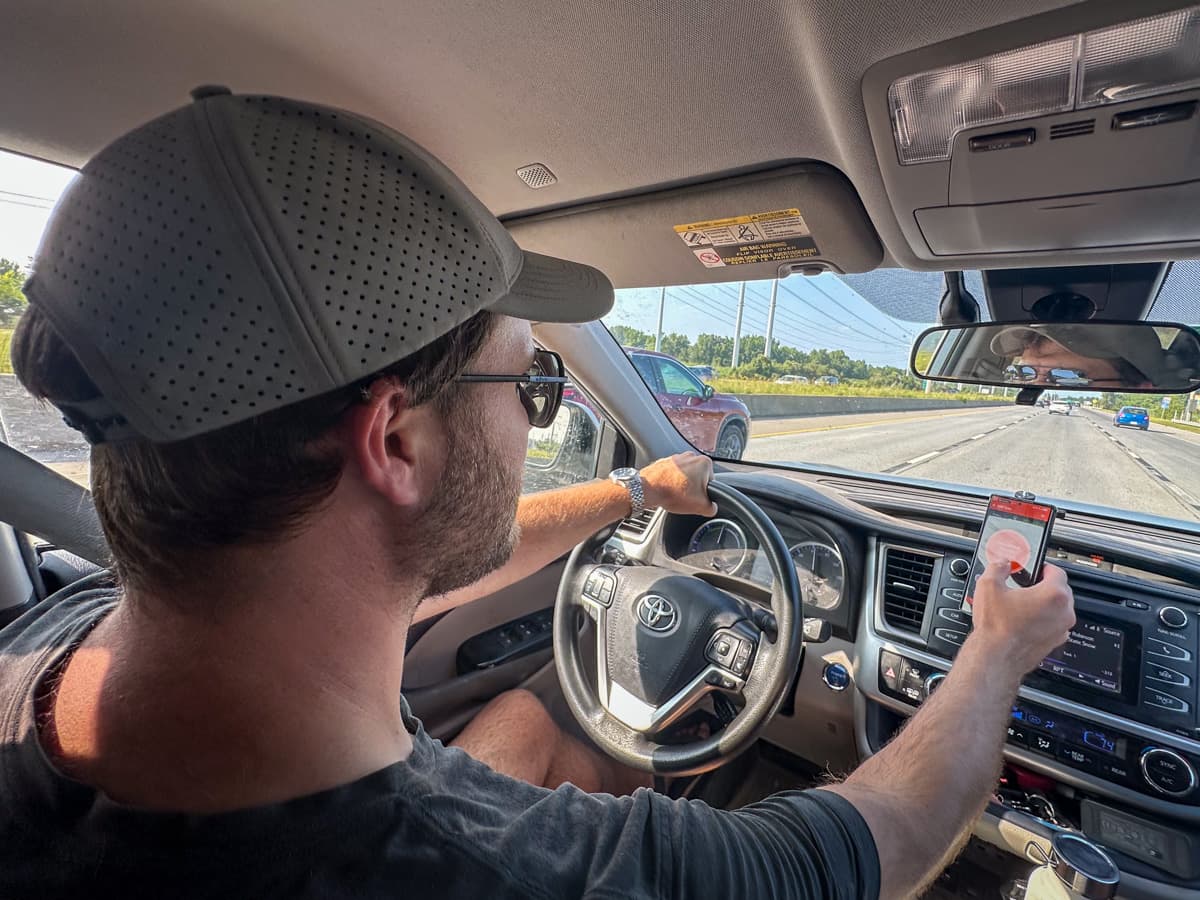
If your cell phone did lose connectivity, you’d get a notification through the app to reconnect the controller, and, more importantly, the brake controller will still continue to apply your trailer’s electric brakes when you depress your vehicle’s brake pedal, based on the last setting. You just won’t be able to change the maximum output or sensitivity or manually override the brakes (i.e., if you want to apply your trailer’s brakes and not your vehicles, like if you’re trying to correct for sway).
All that is well and good, but, the fact that you must have the app open on your phone to manually override the brakes can admittedly be kind of annoying.
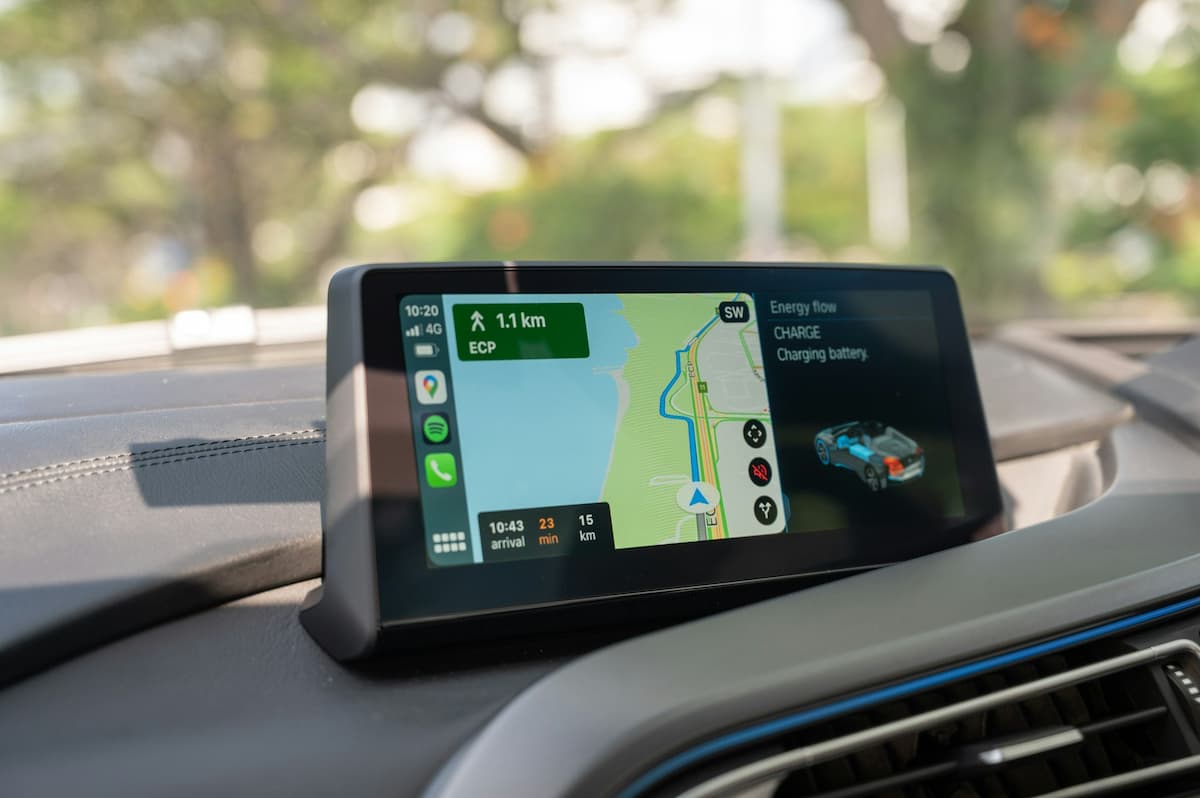
We usually have Google Maps open on our phone for navigation, with the OneControl Auto app running in the background, and, if we need to manually apply our trailer’s brakes, we’ll have to quickly switch between the apps on our phone. This has never been too big of a deal, but looking at your phone and navigating between apps is generally the last thing you want to be doing when your trailer starts to sway.
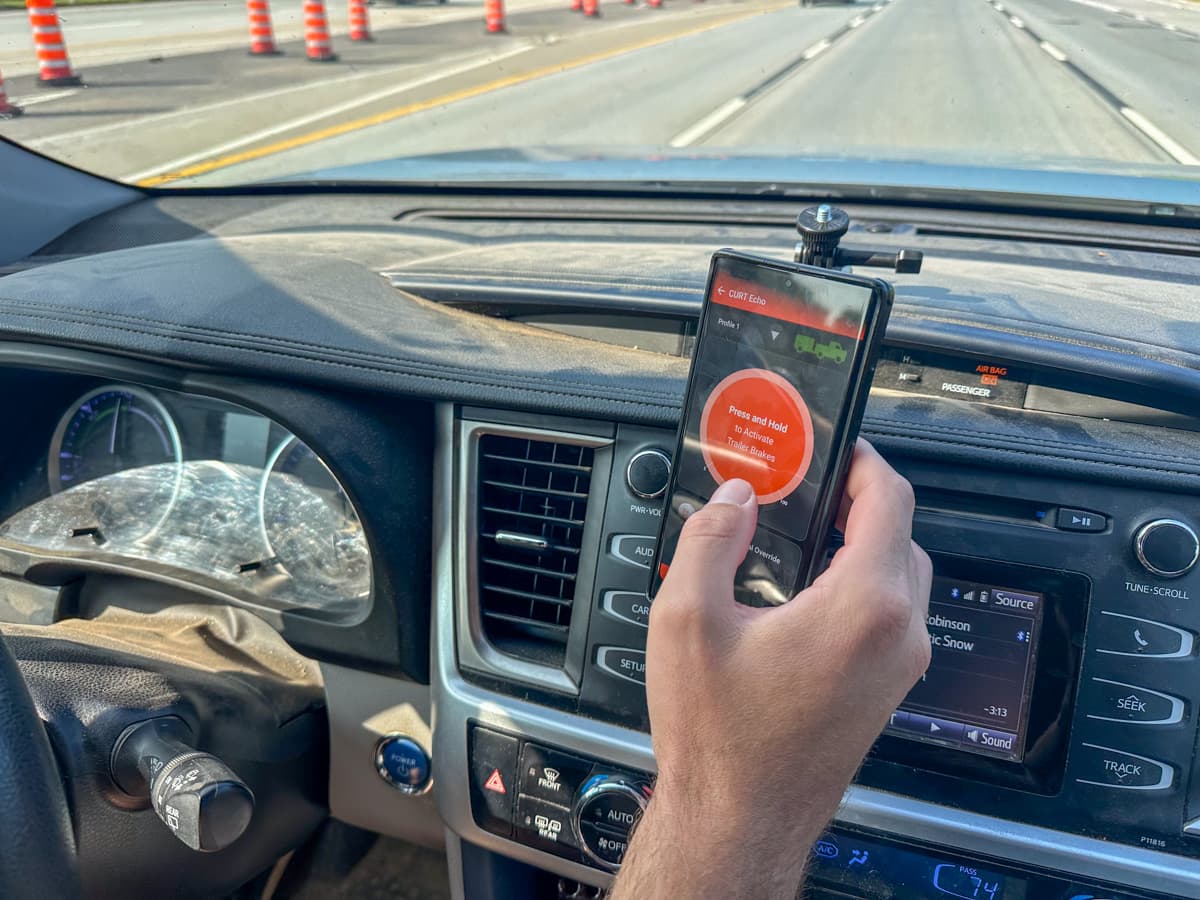
We’ve usually dealt with this by keeping the OneControl Auto app pulled up on our screen on the days where sway is more of an issue, like particularly windy, rainy, or icy days. This means that we can’t look at Google Maps during these stretches, so, if we’re driving in an area where we need to make lots of turns or maneuver, whichever one of us isn’t driving at the time will pull Google Maps up on their phone to help navigate.
This also wouldn’t be an issue if we had a separate GPS navigation device, like this option, so that we didn’t always have Google Maps pulled up on our phone’s screen.
Another solution to this issue is getting this bluetooth manual override button that adheres to your dashboard and is designed to wirelessly pair with your phone (running the OneControl Auto app). You still have to have the app running on your phone and paired to the controller in order for the manual override button to work, but it means you can more quickly apply your trailer’s brakes, in case of an emergency, without playing around with your cell phone. Getting one of these is definitely on our list!
It can be a bit finicky to dial in
When using the Curt Echo, we’ve found that, occasionally, when we brake with our tow vehicle, the brakes are applied too intensely on our trailer, especially if we haven’t towed in a week or so.
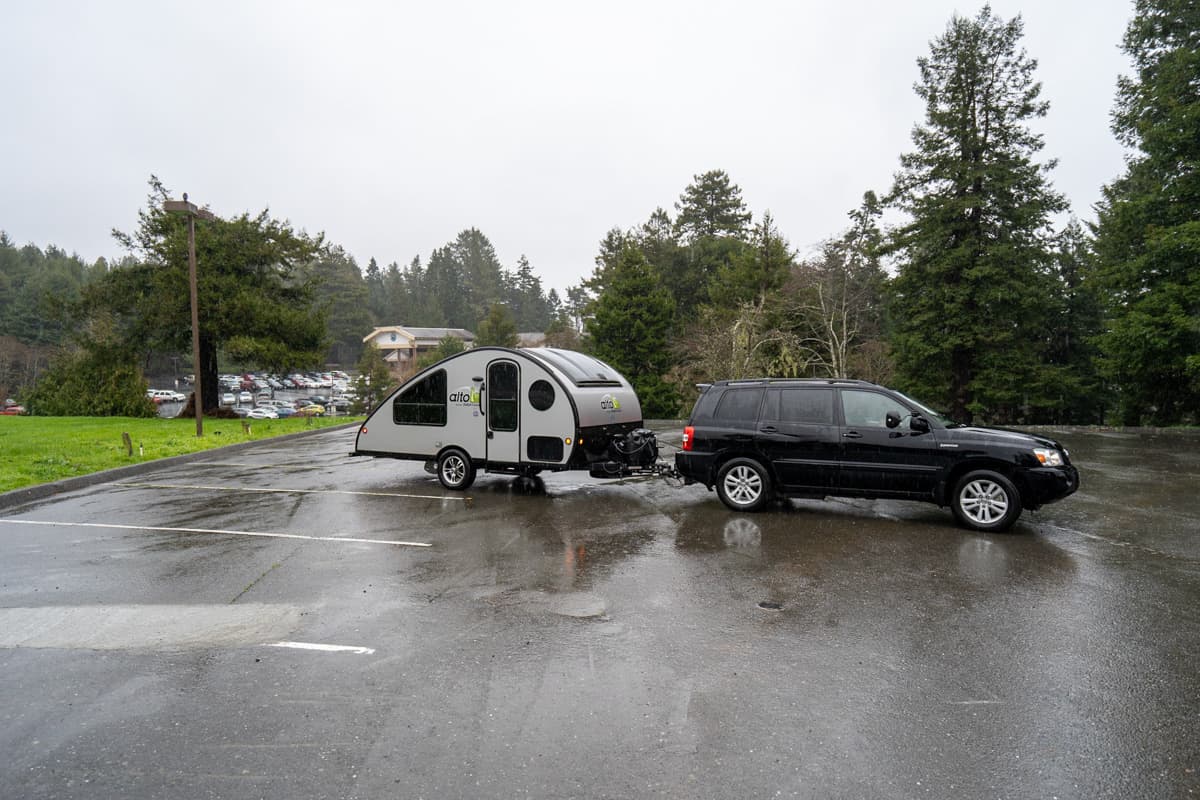
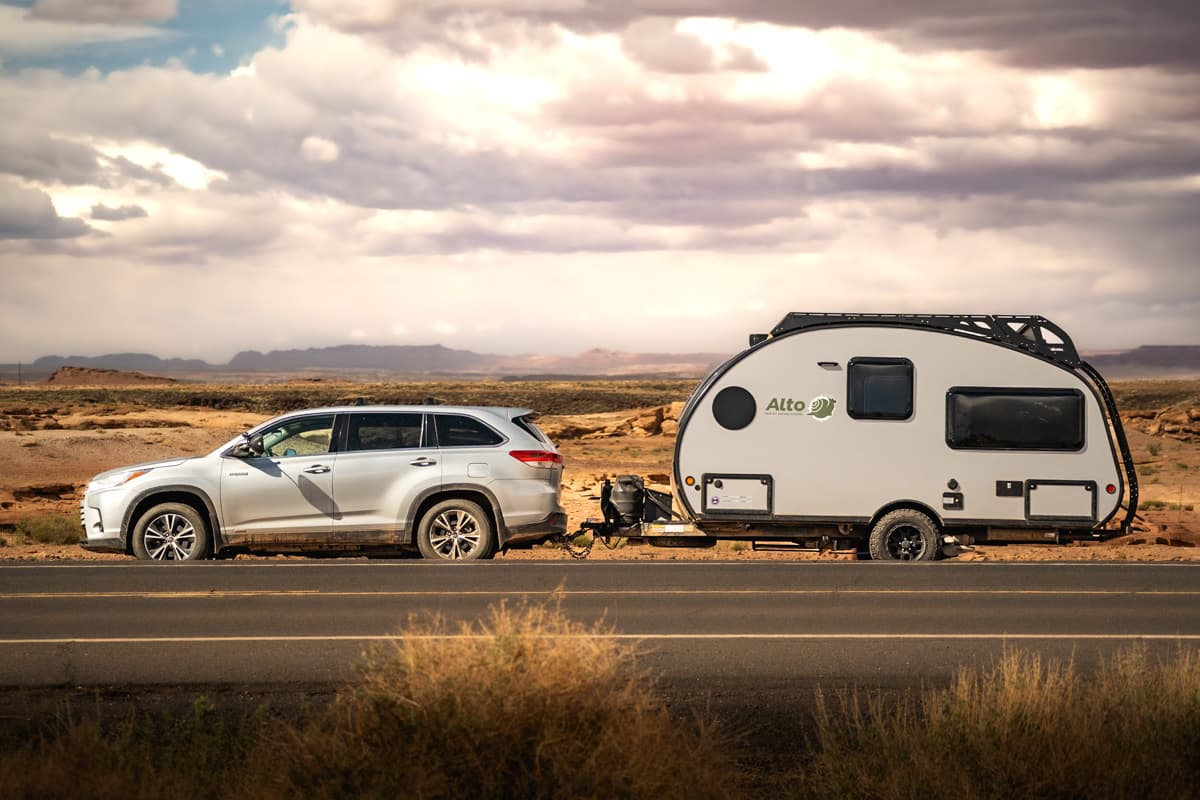
Our trailer is on the lighter side (around 3500 pounds), so I wonder if the Curt Echo was designed with heavier trailers in mind. No matter why it’s happening, this is easily remedied by turning down the maximum output on the app, but it is annoying and can be a bit jarring to have our tow vehicle jerked back when our trailer’s brakes are applied.
Our experience with the Curt Echo wireless brake controller
So, after using the Curt Echo wireless brake controller for several years, would we recommend it?
It’s definitely not a perfect solution, but overall, we’ve had a really positive experience with the Curt Echo. We love how easy it is to install and remove and it would be an AMAZING option if you tow infrequently or swap between a variety of trailers or tow vehicles that you don’t care to have wired brake controllers installed into.
We do wish this manual override button was just automatically included with the brake controller, given that pressing the manual override button on the app can be a bit tricky if you have another app pulled up on your phone (which is not something you want to be worrying about with a swaying trailer behind you).
However, purchasing both the Echo and the manual override button is still considerably cheaper than having the proper wiring installed on your tow vehicle (let alone factoring the wired brake controller in).
I hope our Curt Echo wireless brake controller review is helpful in determining whether this gear makes sense for you and your rig! Do you have any questions about our experience with the Curt Echo or wireless brake controllers in general? Let us know in the comments below!
